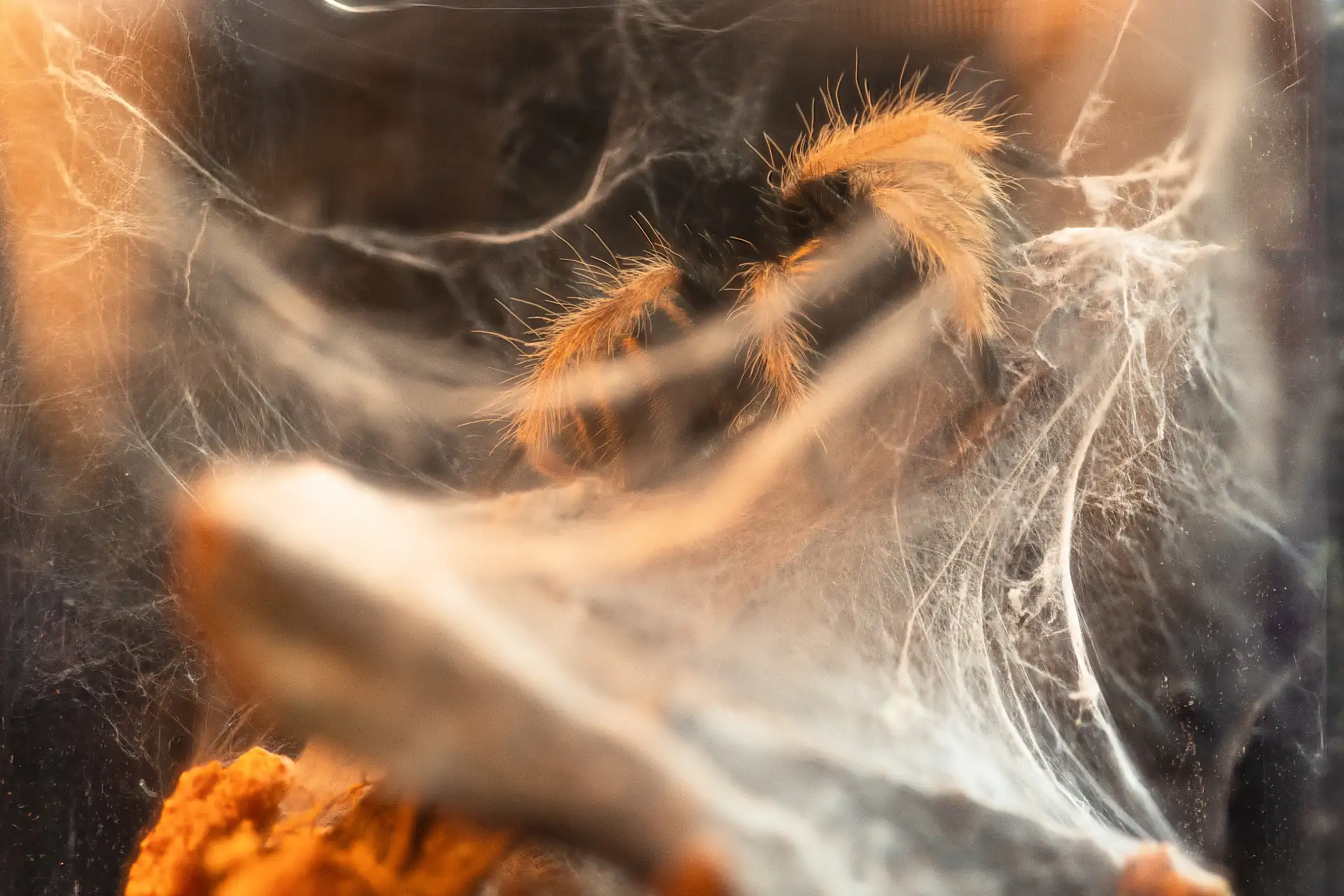
Drop in your frames. Detalia does the rest.
How it works
Nothing to configure. No algorithms to pick. No sliders.
- 01
Drop your frames
Drag in a folder of RAW files or other images. Several stacks in one folder are found and kept apart automatically.
- 02
Watch it come together
Lining up, stacking and finishing run on their own while you watch.
- 03
Export
16-bit TIFF, JPEG or DNG, cropped if you like, including sizes for Facebook and Instagram. Or send it straight back to Lightroom Classic.
Why Detalia
Nothing to set up
No methods to choose, no sliders. Detalia picks the right approach for each part of the image.
Clean edges
No halos or glow around hairs and edges. Detail is never brighter or darker than what the camera recorded.
Watch it happen
See the image come together live, one clear step at a time.
Advice for next time
Concrete notes on focus gaps, movement and wasted frames, down to which frame to start or stop at next time.
Steady, even frames
Shifts, slight tilt and the lens’s change in size while focusing are corrected. Brightness differences are evened out.
Check every detail
Before & after against the sharpest single frame, every frame lined up for inspection, 100 % zoom and cropping.
Several stacks at once
Drop a folder from a whole shoot. Each stack is found and finished on its own.
Private and native
A native Mac app that runs offline. Your photos never leave your Mac.
Touch up any spot
Paint in from any single frame where something needs fixing, with a soft brush and undo.
Straight from RAW
Drop in RAW files from your camera. No exporting to TIFF first.
Live analysis
Every frame is lined up, then added in while you watch. A small panel shows what’s happening, one step at a time. At the end, the finished image appears from front to back.
Notes for your next shoot
Focus gap
Part of the image never came fully into focus. Detalia tells you between which frames, and how much smaller to make the focus step.
Something moved
Wind or a moving subject between two frames. Detalia tells you which frames.
Frames that add nothing
Frames that aren’t the sharpest anywhere are pointed out, with the frame to start or stop at next time and how many fewer frames you’d need.
Before / after
Each frame is sharp in one thin slice. Detalia keeps the sharp part of every frame.
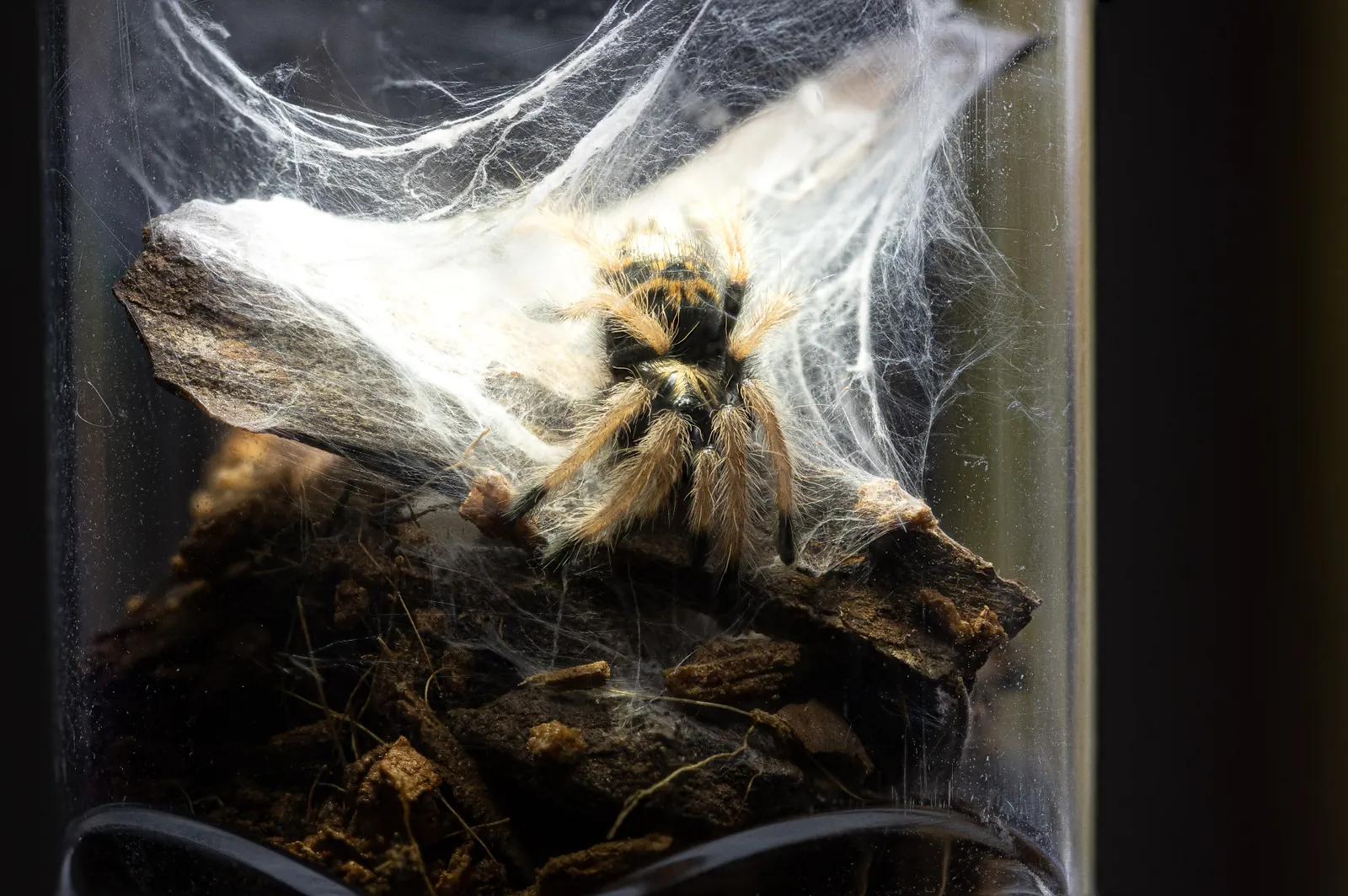
 Sharpest single frameFinal stack
The engine
Detalia looks at every region of the image and combines the right techniques for each one. Automatically.
Lining up
Each frame is lined up with the others: small shifts, tilt and the lens’s change in size as it focuses are taken out.
Finding what’s sharp
In every frame Detalia measures where it’s sharp. Together that becomes a map of how far away every part is.
The right method for each part
Smooth areas are built cleanly, fine detail and crossing edges keep their crispness. Detalia chooses for every part of the image.
No halos
Detail is kept within what the camera actually recorded, so there’s no glow or halo around edges.
Even brightness
Frames that came out a little lighter or darker are evened out, so the stack doesn’t flicker or get patchy.
Touch up any spot
Where something moved, paint that spot in from a single frame with a soft brush. Every stroke can be undone.
Each comes out right. You never have to think about how.
Fits your workflow
Use the Lightroom Classic plug-in, or drop in RAW files or exports from any editor.
- Lightroom Classic
- Stack with Detalia
- Detalia
- Back in your catalog
Lightroom Classic · Lightroom · Capture One · darktable
Reads camera RAW (CR3, NEF, ARW, RAF, ORF, RW2, DNG and more), TIFF, JPEG, PNG and HEIC.
16-bit TIFF
Full resolution. Color profile and metadata kept.
JPEG
Full size, 4000, 3000 or 2048 pixels, or exact sizes for Facebook, Instagram, Stories, X and Pinterest.
DNG
Keeps white balance, exposure and highlights adjustable in Lightroom and other RAW editors.
Depth map
Optional, from Settings: a 16-bit grayscale image of how far away each part is, for other software.
Built for Mac
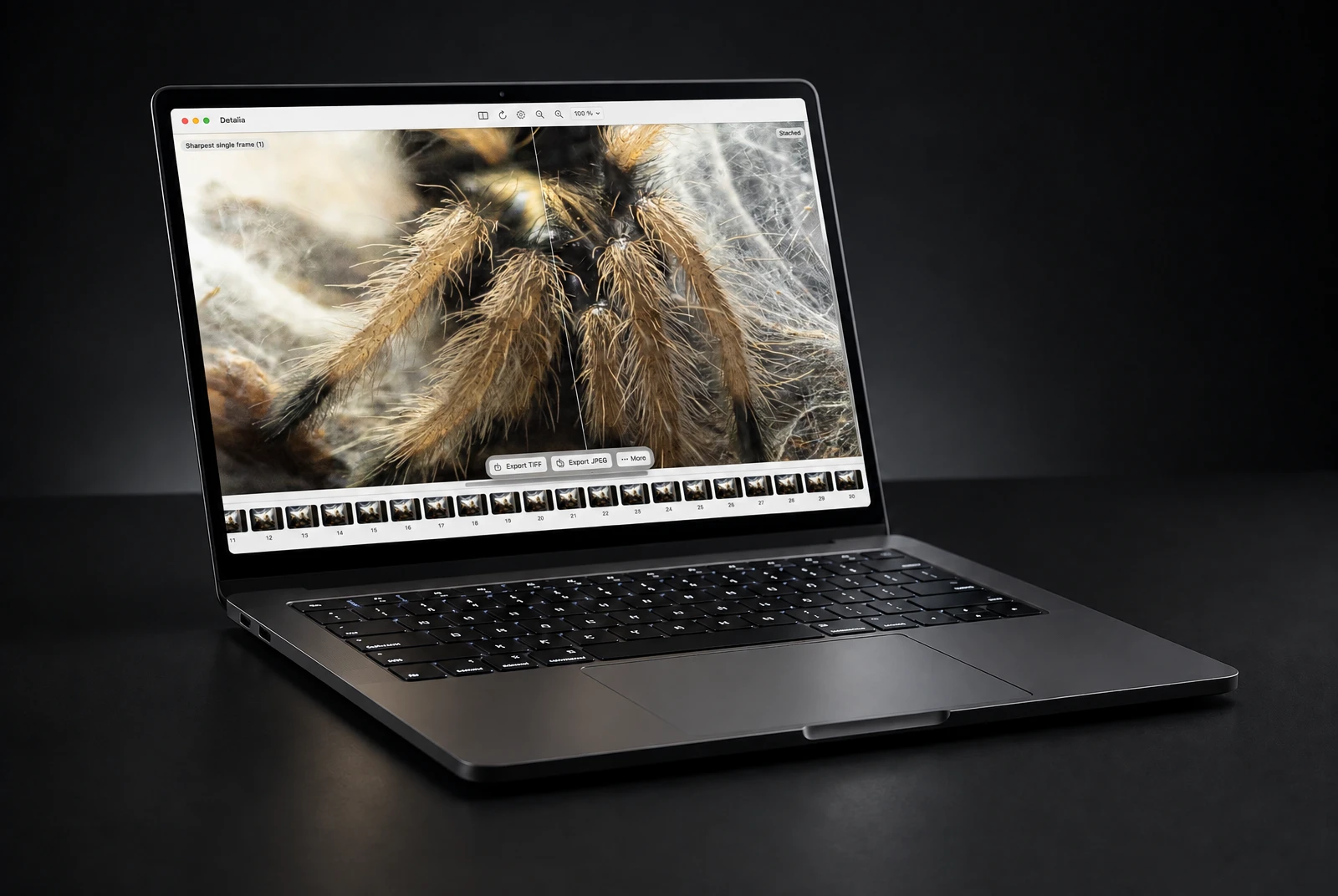
Native Mac app
Designed for macOS from the first pixel.
Apple Silicon
Made for M-series Macs.
macOS 14 or later
Sonoma and newer.
Finder and Shortcuts
Right-click a folder in Finder to stack it, or use Open With and Shortcuts.
Pricing
One price. No subscription.
Price
$79 · €79 · 599 kr
EUR and DKK prices include VAT. Sales tax is added at checkout where it applies.
- Buy once, it’s yours.
- One license for all of your own Macs.
- Every 1.x update included, speed improvements too.
- If there’s ever a 2.0, upgrading is optional, and free if you bought in the 12 months before it came out.
- 7-day free trial with everything.
- 14-day money-back guarantee, no questions asked.
After the trial you can still look at your results. Stacking and saving need a license.
Sold by Paddle.com, our reseller and merchant of record. Terms of sale · Refunds
Coming soon
Join the waitlist and we’ll tell you the moment Detalia launches.
FAQ